
Every Minecraft world starts with one number. That number is the seed. A seed map turns that number into a picture. As a result, you can see biomes, villages, strongholds, and more before you dig a single block.
Use the seed map at the top of this page as you read. This guide explains how it works. It also shows how to read one the right way. Moreover, it covers the facts that most guides skip, like the new 26.x version numbers and the Java and Bedrock differences.
Minecraft is huge. It has about 212 million monthly players, and it has sold more than 350 million copies. Because of this, many players want faster ways to explore. A seed map is one of the best ways to do that.
What Is a Minecraft Seed Map?
A seed map is a tool that shows a Minecraft world from its seed. You type in the seed. You pick your edition and version. Then the map draws the world. The map at the top of this page works this way.
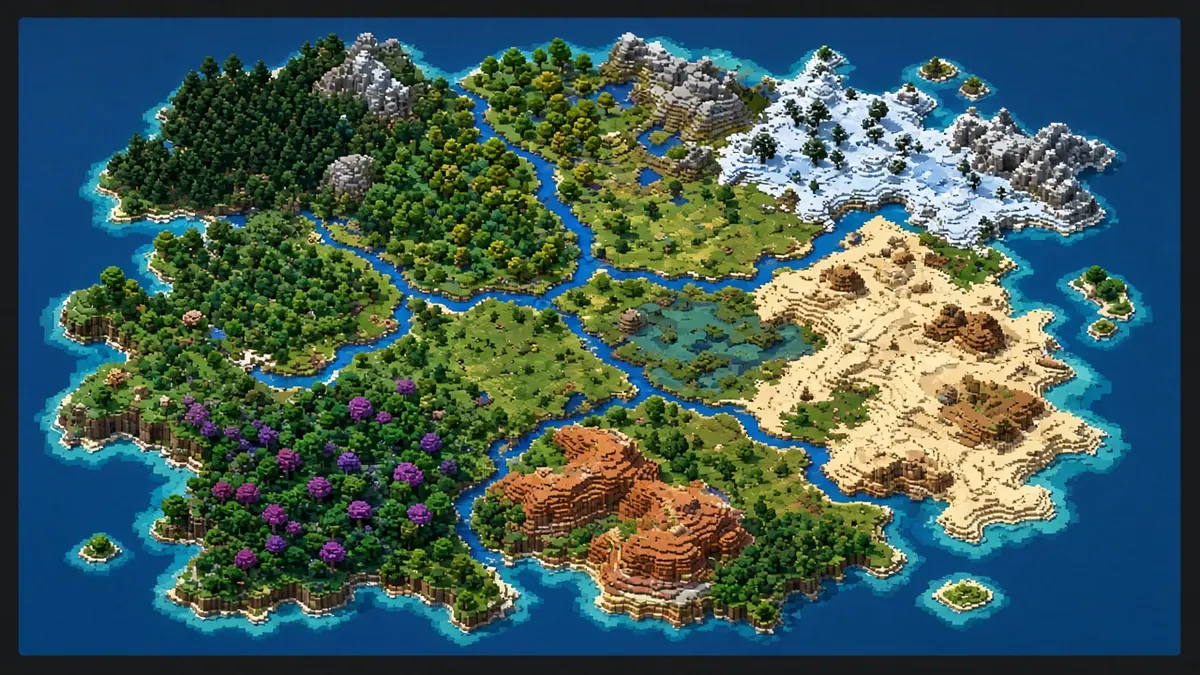
It can show:
- Biomes and their borders
- Villages, temples, and mansions
- Strongholds and End portals
- Ancient cities and trial chambers
- Slime chunks
- Exact X and Z coordinates
The seed does not hold a saved map. Instead, it holds a number. The game feeds that number into its world generator. Then it builds the same terrain every time. So a seed map simply runs the same math and shows you the result.
How Does a Seed Map Work?
The idea is simple. Minecraft is not truly random. It follows set rules.
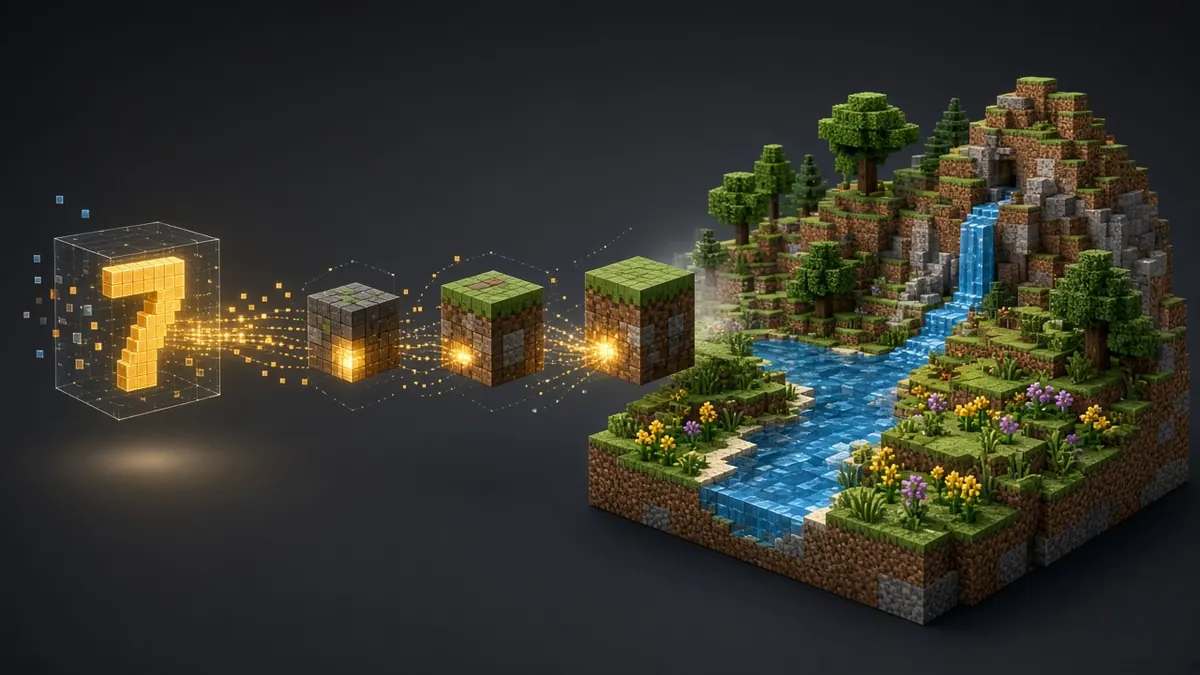
Here is how it works:
- You give the game a seed.
- The game uses that seed to start its world generator.
- The generator picks the height, biome, and structure spots.
- A seed map copies those steps and draws them for you.
A number seed is read as a 64-bit number. That means there are 18,446,744,073,709,551,616 possible seeds. In other words, there are more than 18 quintillion worlds.
Text seeds work differently. When you type words, the game turns them into a 32-bit number first. As a result, two different phrases can create the same world.
Why Use a Seed Map Before You Play?
A seed map saves time. It also helps you plan.
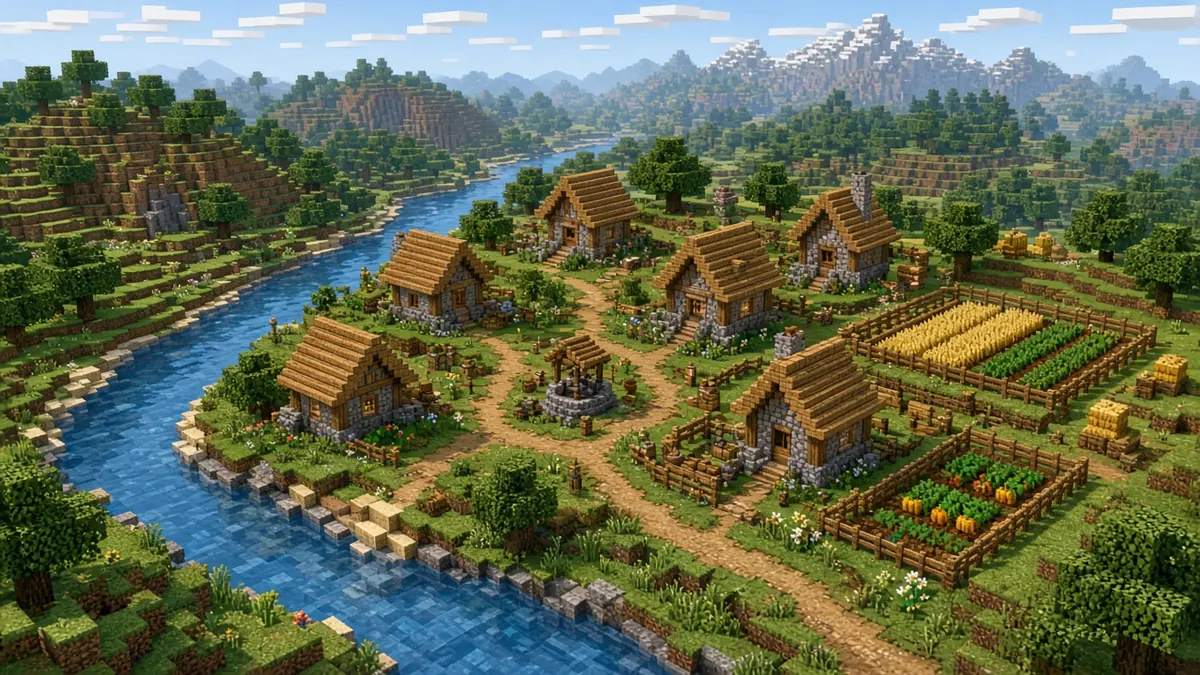
- Pick a better start. You can check if a village or a rare biome sits near spawn.
- Plan your route. You can find a stronghold without wasting Eyes of Ender.
- Build smart. You can find a slime chunk before you build a farm.
- Share worlds. You can send a friend the same seed and the same coordinates.
In short, you spend less time wandering and more time playing.
How to Use a Minecraft Seed Map
Using a seed map takes a few steps. However, one wrong setting can give you a wrong map. So follow each step with care.
Step 1: Select Java Edition or Bedrock Edition
Start at the top of the map. Click the Java Edition tab or the Bedrock Edition tab. This choice matters a lot. Both editions share terrain and biomes for number seeds. Yet structures can land in different places. So always pick the edition you actually play.
Step 2: Choose Your Minecraft Version
Next, open the version list. For Java, it starts with Minecraft Java 26.3, the latest Java release. Version matters because Mojang changes world generation from time to time. When that happens, the same seed can look different. Therefore, match your version as closely as you can.
Step 3: Enter Your World Seed
Then type or paste your seed into the seed box. It accepts a number or text. Copy it exactly. Even one wrong digit gives you a new world. Also, keep any minus sign. Negative seeds are valid. Use a number when you can, because text seeds can give different worlds. If you leave the box empty, the map uses a random seed.
Step 4: Click Show the Map
Before you click the orange Show the map button, check these three things:
- The right edition tab is selected.
- The version matches your game.
- The seed is copied with no extra spaces.
Step 5: Explore the Map
Once the map loads, move around it. Zoom in to see small structures. Zoom out to see biome patterns. Then note the coordinates of anything you want to visit.
Step 6: Copy the Coordinates
Write down the X and Z values. Next, open your game and turn on coordinates. Finally, walk or travel to the spot. Take a note of the nearest landmark too.
Java and Bedrock: What Is the Same and What Is Different?
This is the part most players get wrong. So let’s make it clear.
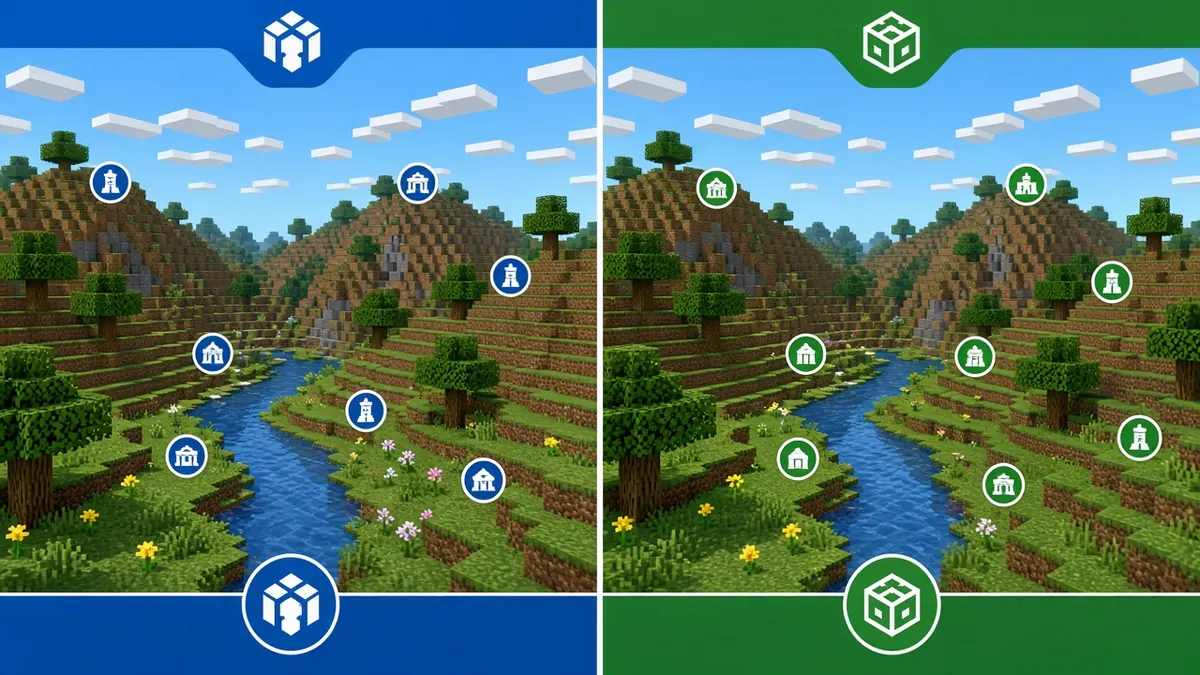
What matches:
- Terrain shape
- Biome layout
- Rivers and oceans
This holds when you use the same number seed in both editions.
What can differ:
- Structure locations
- Slime chunk locations
- Some cave and decoration details
- Mob spawns
For example, a village may appear in one place in Java. In Bedrock, the same seed may place it somewhere else. As a result, a map that is set to the wrong edition will mislead you.
Do Java and Bedrock Use the Same Seeds?
Yes, for number seeds. You can type the same number in both. However, you will not get the same structures. Also, text seeds may not give the same world, so use numbers when you can.
New Version Numbers in 2026
Minecraft changed its naming in 2026. The old 1.x format is gone. The last release with that format was 1.21.11, in December 2025.
Now, versions follow a year-based pattern. Here is the current list:
- Java 26.1 (Tiny Takeover): March 24, 2026
- Java 26.2 (Chaos Cubed): June 16, 2026
- Java 26.3 (Wilderness Bound): September 15, 2026
- Bedrock 26.10, 26.30, and 26.50 match those three drops
So there is no Minecraft 1.22. If a guide still tells you to pick 1.21 for a new world, it is out of date.
Why Updates Change Your World
Whenever Mojang changes world generation, old seeds can create new terrain. Two recent examples show this:
- Version 26.2 added sulfur caves.
- Version 26.3 added the Dappled Forest biome and abandoned camps.
Because of this, a seed you saved last year may not look the same today. That is why version choice matters so much.
How to Find Villages, Strongholds, and Other Structures
Structures are the main reason people use a seed map. Here are the facts that matter for each one.
Villages
Villages give you beds, food, trades, and fast iron. A village near spawn is a big early boost. So many players check this first.
Strongholds and End Portals
Strongholds hold the End portal. In Java, a world has 128 of them. They sit in eight rings around the world center. The first ring has only 3. Those 3 sit between 1,280 and 2,816 blocks from the center.
A portal has 12 frames. Each frame has a 10% chance to start with an Eye of Ender. On average, only about 1.2 frames come filled. So you will need to supply most of the eyes yourself.
A seed map helps here. Instead of throwing many Eyes of Ender, you can walk straight to the coordinates.
Ancient Cities
Ancient cities sit in the Deep Dark biome. Their floor always generates at Y -51. They are also very big. Each one is about 220 blocks wide on each side. In fact, it is the largest structure in the game.
It is also the only source of the Swift Sneak enchantment. However, the Warden guards it. So bring good gear and plan with care.
Trial Chambers
Trial chambers can appear in any Overworld biome except Deep Dark. They sit roughly between Y -20 and Y -40. They are also the only place to find the breeze mob. Because the fights here are hard, a map helps you prepare first.
Woodland Mansions
Mansions appear in Dark Forest biomes. They are rare and far apart. Plus, they are the only natural source of the Totem of Undying. The evokers inside drop it. For many players, this makes a mansion worth the long trip.
Ocean Monuments
Monuments generate in deep ocean biomes. Guardians protect them. Inside, the treasure room hides eight gold blocks behind a cube of dark prismarine. Also, wet sponges are found in one of the rooms.
Other Structures to Check
- Desert and jungle temples
- Pillager outposts
- Shipwrecks and ocean ruins
- Buried treasure
- Ruined portals
- Mineshafts
- Igloos and swamp huts
- Nether fortresses and bastions
- End cities
In Version 26.3, abandoned camps were added too. They can generate in 18 different biomes.
Minecraft Biome Finder: Find Any Biome
Biomes shape how a world feels. A good map shows them with colors and a legend.
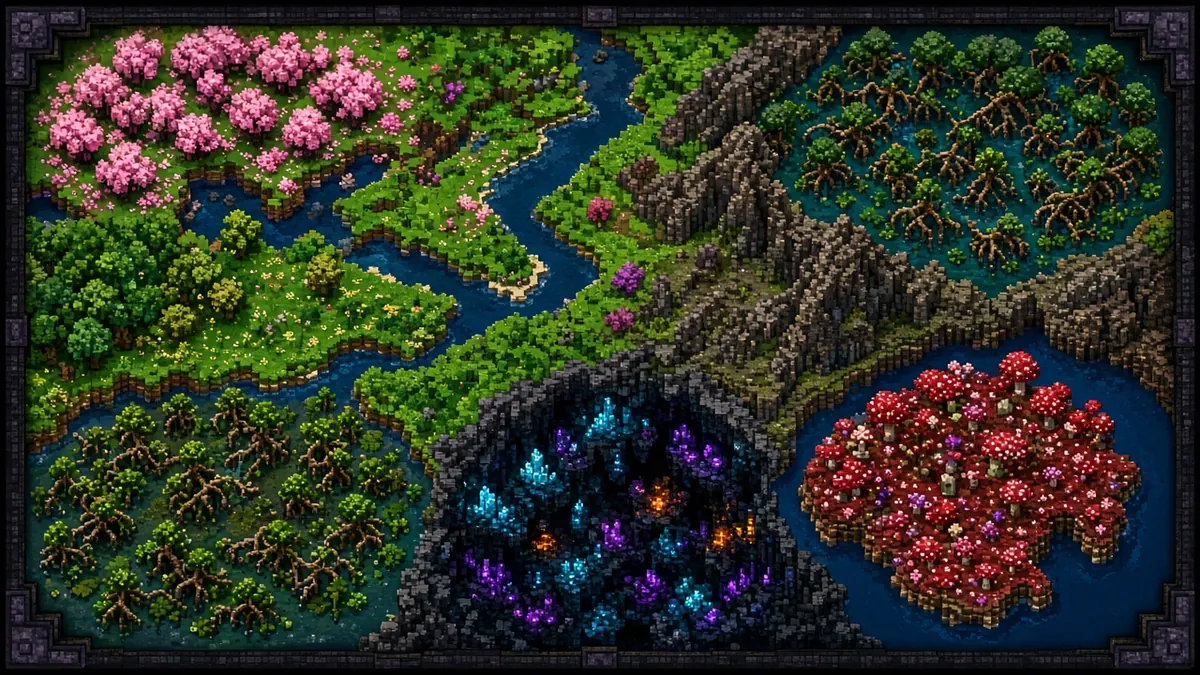
Here is a smart way to use it:
- Zoom out first to see the big pattern.
- Look for rare biomes like Cherry Grove, Mushroom Fields, Deep Dark, and Mangrove Swamp.
- Zoom in to find the closest edge.
- Copy the coordinates and plan your route.
In the Nether, look for Crimson Forest, Warped Forest, Soul Sand Valley, and Basalt Deltas. In addition, check the new Dappled Forest. It generates near cold biomes and has red, orange, and yellow poplar trees.
One more tip. Biome names can differ a little between Java and Bedrock. Always check the legend on the map.
Minecraft Coordinates: How to Read and Use Them
Coordinates have three numbers: X, Y, and Z.
- X moves you east and west.
- Z moves you north and south.
- Y is your height.
A seed map usually gives you only X and Z. That is fine. You can find the right height when you get there.
Turn on Coordinates in Game
- Java: Press F3 to open the debug screen.
- Bedrock: Turn on Show Coordinates in the world settings.
Convert Between the Overworld and the Nether
The Nether uses an 8 to 1 ratio. One block in the Nether equals eight blocks in the Overworld. Here is an example:
- Overworld X=800, Z=600
- Nether X=100, Z=75
To go the other way, multiply by 8 instead. Because of this, the Nether is a great shortcut for long trips.
How Big Is a Minecraft World?
The Java world border sits at X and Z ±29,999,984. That makes a world almost 60 million blocks wide. In fact, walking to the Far Lands, 12.5 million blocks away, would take just under 136 days.
Bedrock has no fixed border. Still, it becomes unstable after a few million blocks. The build height now runs from Y -64 to Y 320.
Slime Chunk Finder
Slimes give you slimeballs. You need those for sticky pistons and many farms. Slime chunks are the best place to find them.
The Basic Rules
- About 1 in 10 chunks is a slime chunk.
- Slimes spawn there below Y 40.
- Light level does not stop them.
Java vs Bedrock Slime Chunks
This is a key difference.
- Java: Slime chunks depend on the seed. Every world is different.
- Bedrock: Slime chunks do not depend on the seed. They sit in the same spots in every world.
Therefore, a Java slime chunk map is useless for Bedrock, and the reverse is also true.
Swamp Slimes
Swamps spawn slimes too. They do this at Y 51 to 69, in low light. That works separately from slime chunks. So if you see no slimes in a swamp, it does not mean the chunk is wrong.
Build a Better Farm
- Pick a slime chunk.
- Build your farm between Y 10 and Y 30 for safety.
- Light the room well so other mobs do not spawn.
- Stand far enough away so the farm stays active.
Minecraft Ore and Diamond Finder
Since version 1.18, ores follow height curves. So the Y level matters more than the biome. Sources differ by a few blocks, so treat these numbers as best estimates.
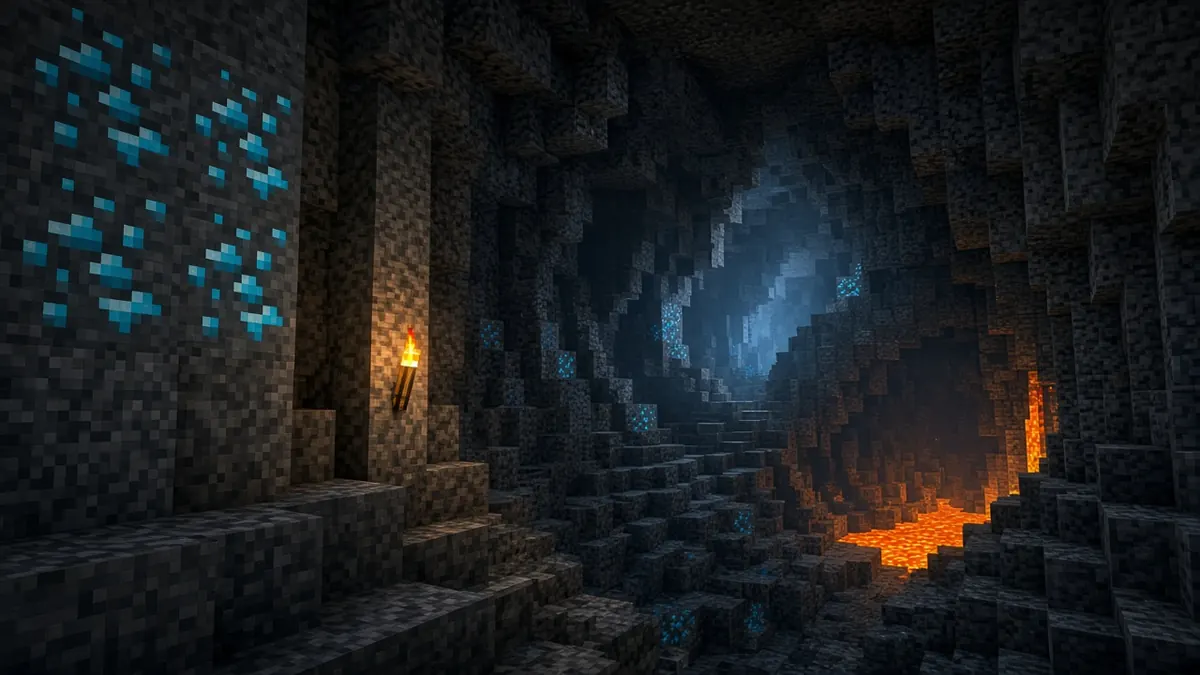
- Diamond: Best near Y -59. Range is Y -64 to 16.
- Redstone: Best near Y -59. It shares a band with diamond.
- Gold: Best near Y -16. Badlands biomes have much more gold between Y 32 and 256.
- Lapis lazuli: Best near Y 0.
- Copper: Best near Y 48.
- Coal: Best around Y 96.
- Iron: Best at about Y 16. Mountains also hold large deposits near Y 232.
- Ancient debris: Nether only. Best near Y 15. Range is Y 8 to 119.
Ancient debris is hidden when it touches air. So you cannot spot it by looking. Instead, tunnel at Y 15 and break blocks as you go.
A Safe Mining Tip
Diamond level sits right above the lava layer. Therefore, bring a water bucket and extra blocks. Also, mine a little higher, near Y -54, to avoid lava.
How Reliable Is an Ore Finder?
Ore finders work best as a guide, not a promise. A map can show where ores are likely. Yet only the game can confirm each block. So use the map to choose an area, then explore it yourself.
How Accurate Is a Seed Map?
A seed map can be very accurate. However, four things can break it.
- Wrong seed. One wrong digit gives a new world.
- Wrong edition. Java and Bedrock structure spots differ.
- Wrong version. Mojang changes world generation often.
- Custom settings. Mods, data packs, and custom world types change the result.
Also remember that Large Biomes is a separate world type. If your world uses it, your map must use it too.
How to Check a Location in Game
- Go to the marked X and Z coordinates.
- Check the biome first. If it matches, your seed and version are likely right.
- Then look for the structure nearby. Some structures sit a few chunks away from the marked point.
- If nothing matches, recheck your edition and version.
How to Find Your Minecraft World Seed
In Java Edition
Open your world. Then type the seed command in chat. The seed appears right away. On a server, you may need operator rights first.
In Bedrock Edition
Open the world settings, either before you play or from the pause menu. The seed shows in the game or world section. You can copy it from there.
On a Multiplayer Server
Ask the server owner or an admin. Many servers hide the seed on purpose.
Using a Random Seed
No seed? That is fine. Leave the box empty when you make a world. The game will pick one. Then copy that seed so you can map it later. The map above works the same way. If you leave its seed box empty, it uses a random seed.
Troubleshooting Seed Map Problems
If your map does not match your world, work through this list.
- Check the seed. Copy it again with no extra spaces.
- Check the edition. Java and Bedrock are not the same.
- Check the version. Pick the closest match, such as 26.3 or Bedrock 26.50.
- Check the world type. Large Biomes and Amplified change the map.
- Check for mods. Data packs and mods can change generation.
- Check the dimension. Overworld, Nether, and End each have their own map.
Slimes not spawning? Make sure you are below Y 40 and inside the right chunk. Also check that you are on the right edition.
Can’t find a structure? It may sit a bit away from the marked point. Search the area before you give up.
Frequently Asked Questions
What is a Minecraft seed map?
It is a tool that draws a world from its seed. It shows biomes, structures, and coordinates.
What happens if I leave the seed empty?
The map uses a random seed. This is a quick way to explore a new world.
Does a seed map work for Java and Bedrock?
Yes. Just pick the right edition. Terrain and biomes match for number seeds. Structures can differ.
Does the same seed work in both editions?
Number seeds give the same terrain and biomes. However, structures and slime chunks can land in other places.
Which Minecraft versions matter now?
Minecraft now uses year-based numbers. The latest Java release is 26.3. The latest Bedrock release is 26.50. There is no 1.22.
Can I find strongholds with a seed map?
Yes. In Java, there are 128 strongholds in eight rings. A map shows their coordinates, so you can skip long eye-throwing trips.
Can I find diamonds with a seed?
You can find the best areas to explore. Diamonds are most common near Y -59. Still, you must mine to find them.
Why does my map not match my world?
The most common causes are a wrong seed, edition, or version. Mods and custom world types can also cause it.
Can I use a seed map on my phone?
Yes. Most browsers handle it well. Mobile players use these tools a lot, so many maps are built for small screens.
Does a seed map work on multiplayer servers?
Yes, if you know the server seed and its version. Plugins and custom generators may change the result.
Is using a seed map cheating?
In your own single-player world, it is your choice. On a server, rules vary. So read the server rules first.
Final Thoughts
A Minecraft seed map is a simple tool with a big payoff. It saves time, it cuts risk, and it helps you plan smarter.
To get the best results, remember these points:
- Always match the edition and version.
- Use number seeds when you can.
- Trust coordinates, but verify the biome first.
- Remember that Java and Bedrock differ on structures and slime chunks.
- Check the version again after every major update.
With those habits, your map will match your world far more often. So enter your seed, pick your edition, and start exploring.
Note: This site is not an official Minecraft product. It is not approved by or associated with Mojang or Microsoft.